



Exhibitions
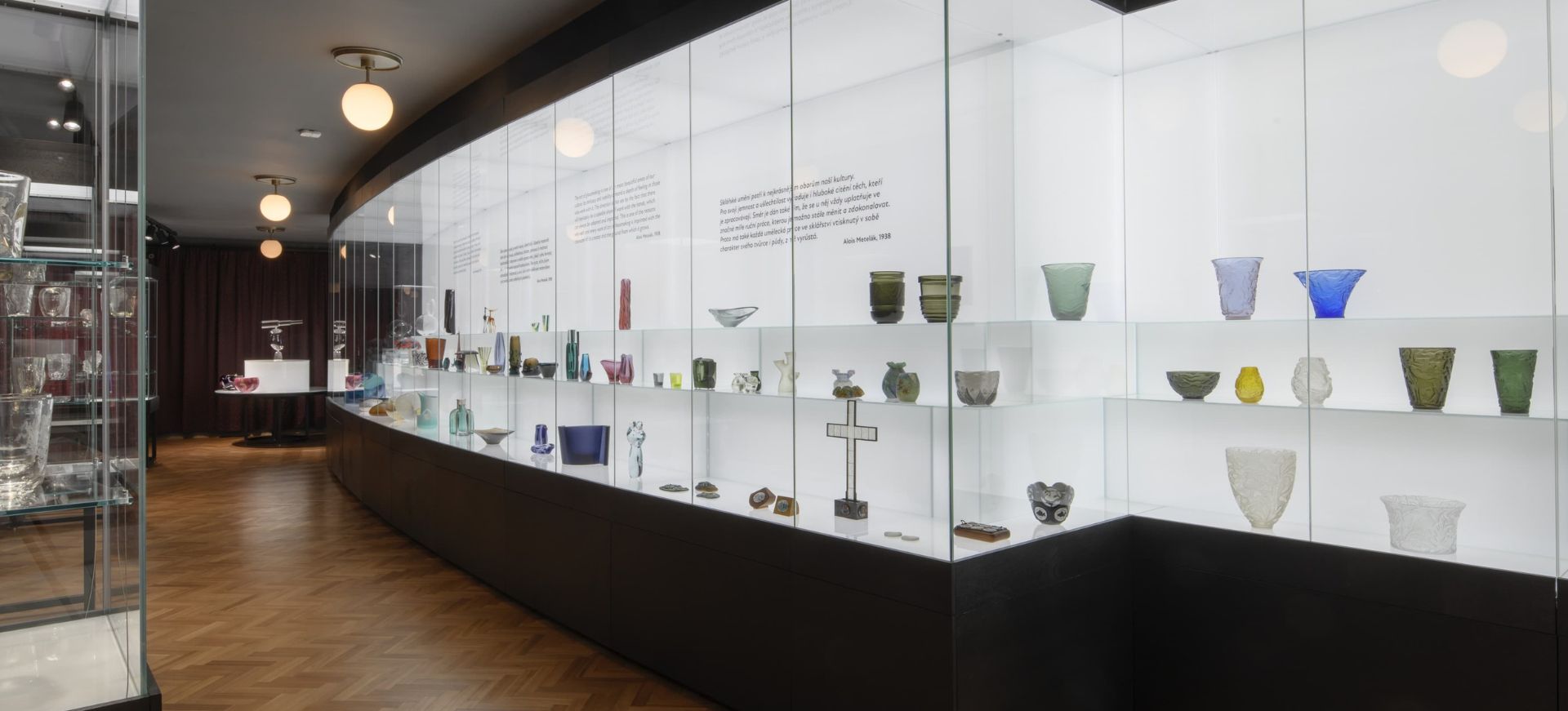
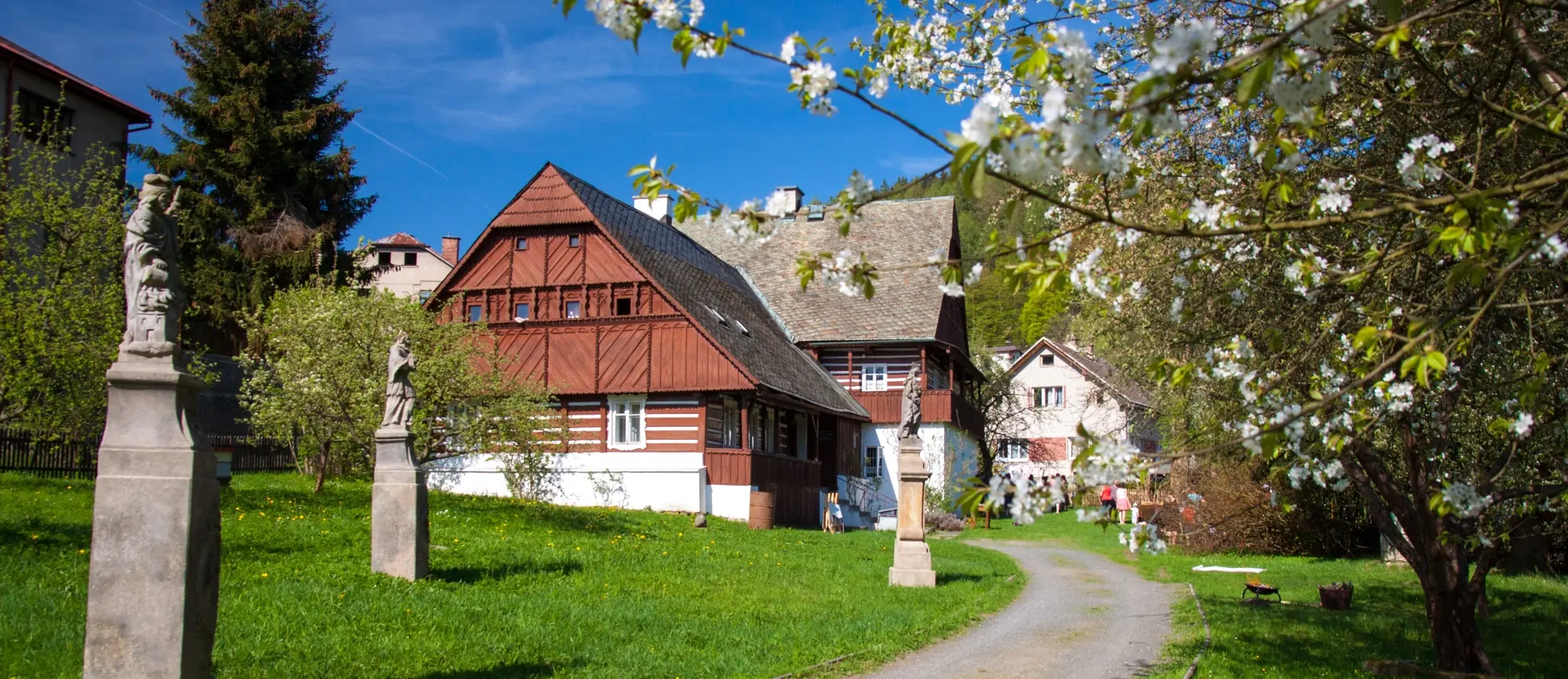
There are two parts to the museum. The Glass Exhibition is located in the building on náměstí 3. května 37. The Ethnography Exhibition is in Běliště, in the conservation area of Železný Brod known as Trávníky.

Glass Exhibition
In the timbered facade of Klemencovsko, there is a display documenting the nature of domestic glass production in the late 19th century, a time when a new way of making a living began to emerge from the neighbouring Jablonec region. In their cottages, glassmakers produced glass jewellery components cut on a grinding machine (klemprda) or twisted them at a bench with a kerosene lamp. The display includes examples of glassmakers’ equipment (glassmaker’s bench with burner, machines for making and grinding beads, tools) and final products.

Ethnography Exhibition
Visitors can see exhibits documenting the geological development of the Železný Brod region with examples of the use of minerals mined in the area – slate, limestone and iron ore. There are also archaeological findings from the nearby Návarov Castle, samples of seals and copies of historical documents showing the historical development of the town. There is an old school classroom, articles from the guilds, a cobbler’s corner with spindles, shoe trees and other equipment. One of the rooms features a re-creation of a baker’s workshop with an oven, a bread bucket and paddle for making dough and, above all, a display of wooden, richly carved gingerbread moulds
The Volga was our port
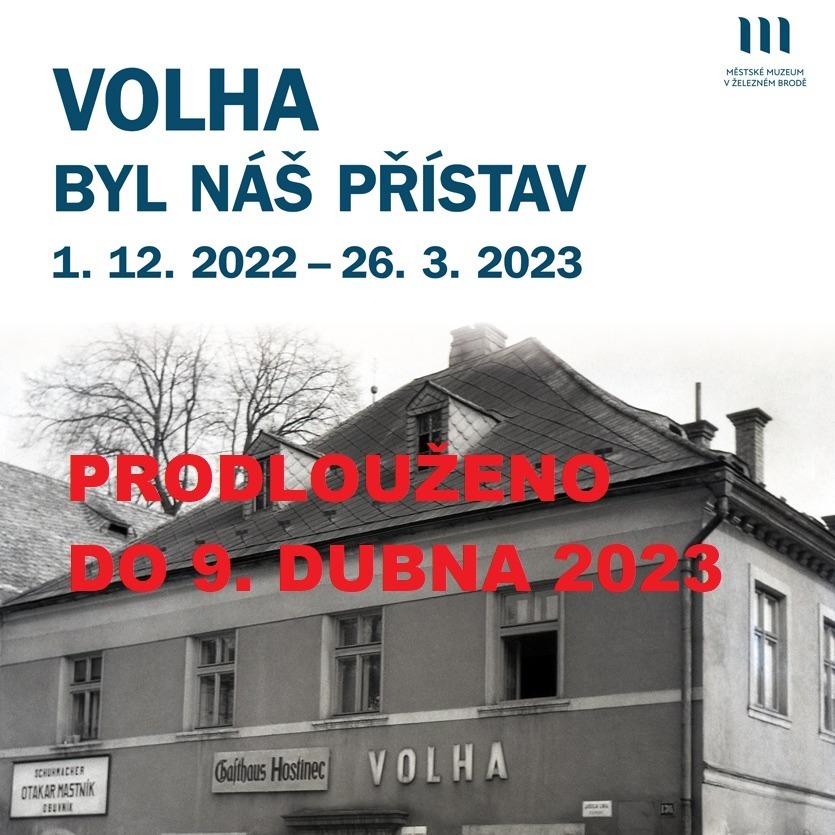
EXTENDED until April 9, 2023.
Between 1 December 2022 and 26 March 2023, a small commemoration of the legendary Železnobrod pub Volha will take place. The exhibition will be complemented by period photographs and memories of witnesses.
The publication with the same name can be purchased at the ethnographic exhibition in Běliště during opening hours (only weekends until the end of April) and during the Easter Fair in Běliště.
Vítejte v muzeu
Lorem ipsum dolor sit amet, consectetuer adipiscing elit. Lorem ipsum dolor sit amet, consectetuer adipiscing elit. Vestibulum fermentum tortor id mi. Integer in sapien. Cras elementum. Nulla accumsan, elit sit amet varius semper, nulla mauris mollis ci. Etiam dui sem, fermentum vitae, sagittis id, malesuada in, quam. Nunc auctor. Duis condimentum augue id magna semper rutrum. In enim a arcu imperdiet malesuada. Aenean placerat. Etiam ligula pede, sagitt.

Manuál pro uživatele
Vítejte na stránce s návody :-)
Class="dlazdice1"
Tato třída tovří obraničení (rámeček):
- na výšku se automaticky přizpůsobí obshu rámečku
- šířku určujete třídou gridu (kolik dvanáctin se má zobrazit)

Výroční zprávy

Logotyp muzea

Ostatní
jak to zapsat - tento příklad?
<div class="row">
<div class="cardobal col-lg-4 col-md-4 col-xs-12">
<div class="dlazdice1">
<p><a href="#"><img src="/images/LOGO_MUZEUM_ZB_zakladni_cervene.jpg" width="100%" alt="LOGO MUZEUM ZB zakladni cervene" /></a></p>
<h3 style="text-align: left;">Výroční zprávy</h3>
</div>
</div>
<div class="cardobal col-lg-4 col-md-4 col-xs-12">
<div class="dlazdice1">
<p><a href="#"><img src="/images/LOGO_MUZEUM_ZB_zakladni_modre.jpg" alt="LOGO MUZEUM ZB zakladni cervene" width="312" height="312" /></a></p>
<h3 class="text-align">Logotyp muzea</h3>
</div>
</div>
<div class="cardobal col-lg-4 col-md-4 col-xs-12">
<div class="dlazdice1">
<p><a href="#"><img src="/images/LOGO_MUZEUM_Z__zakladni_cerne.jpg" width="183" alt="LOGO MUZEUM Z zakladni cerne" height="183" /></a></p>
<h3>Ostatní</h3>
</div>
</div>
</div>
Class="dlazdice2"
Tato třída tovří obraničení (rámeček):
- na výšku se automaticky přizpůsobí celé řadě rámečků aby byly stejně velké podle toho největšího
- šířku určujete třídou gridu (kolik dvanáctin se má zobrazit)
- zápis stejný jen je třída s dvojkou :-)
Výroční zprávy
Logotyp muzea
Ostatní
Jak je to s gridem? - responzivní rozložení
Tato třída tovří obraničení (rámeček):
- přesné a jasné informace jsou zde: https://getbootstrap.com/docs/5.0/layout/grid/
- Zjednodušeně:
- Danému objektu například obrázku nebo oblasti (<div>) dáváte třídu, která učí jeho šířku -> kolik dvanáctin šířky zobrazení
- Je potřeba urřit tu šířku pro jednotlivá zařízení pro
- Monitor: "lg"
- tablet a menší obrazovky : "md"
- mobilní zobrazení: "xs"
- záps třídy se skládá ze tří částí spojených pomlčkou
- první část je vždy "col"
- druhá část je zařízení
- třetí je počet dvanáctin
- příklad: "col-lg-6"
- Tídy napište všechny tři oddělené mezerou jako například: class="col-lg-6 co-md-6 col-xs-12"
- Všechny takto připravené oblasti je dobré uzavřít do takové obálky pro kterou existuje třída "row"
Příklad:
tady je jedna polovina "col-lg-6"
tady je třetina "col-lg-4"
tady je šestina "col-lg-2"
Zápis příkladu:
<div class="row">
<div class="cardobal col-lg-6 col-md-6 col-xs-12">
<div class="dlazdice2">
<p>tady je jedna polovina "col-lg-6"</p>
</div>
</div>
<div class="cardobal col-lg-4 col-md-4 col-xs-12">
<div class="dlazdice2">
<p>tady je třetina "col-lg-4"</p>
</div>
</div>
<div class="cardobal col-lg-2 col-md-2 col-xs-12">
<div class="dlazdice2">
<p>tady je šestina "col-lg-2"</p>
</div>
</div>
</div>
Další zajímavé třídy:
- Zaoblení rohů obrázku: "rounded"
- Stíny různých velikostí: "shadow-sm", "shadow" nebo "shadow-lg" (zkuste třeba k nějakému obrázku)
- Text zarovnaný na střed "text-center"
- Velikost textu - pokud chcete něco zvýraznit, tak můžete použít od největšího "fs-1" až po menší "fs-6" (fs-2, fs-3, ...)
- Barva: navíc jsem vám připravil třídu "barva" která změní barvu textu tam kde třídu použijete na
- například chcete zěmit barvu nadpisu tak to bude : <h3 class="barva">Tady je ten nadpis</h3>
Život na Bělišti
Život na Bělišti je název interaktivní hry pro děti, rodiče i prarodiče, která hravou formou provede po národopisné expozici Městského muzea v Železném Brodě.
Na Bělišti na vás čeká Bróža, kluk narozený před sto lety, který bude vaším průvodcem po Bělišti a povypráví vám o své rodině a životě. Připravil si pro vás spoustu zábavných úkolů a šifer, s nimiž budete pátrat po starobylém nápisu. Přijďte se s ním seznámit, nudit se určitě nebudete!
More Articles …
Page 5 of 7
